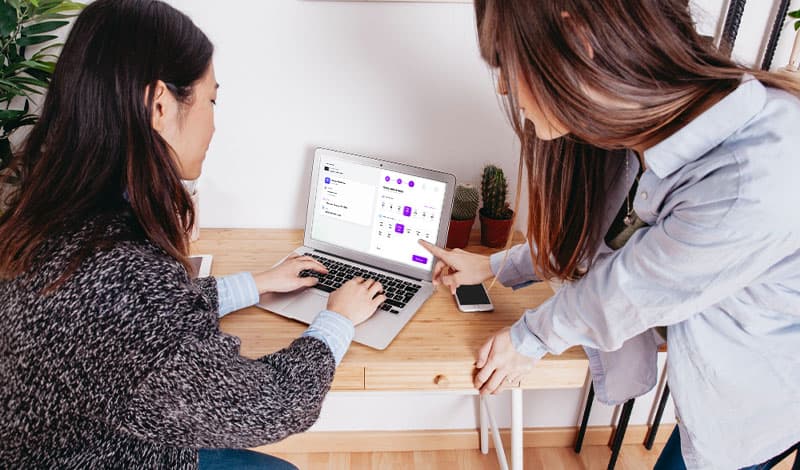
When AI-powered technology smartly schedules appointments, yet professionals like doctors, wellness consultants, and therapists feel stressed managing Manual calendars due to double-bookings, missed calls, and frustrated schedules. Because most are unaware of how to use this technology, or some pull out due to the high prices of scheduling apps. But the appointment booking tool, like GetSetTime, is not only budget-friendly but also powered by modern features, including automated bookings, calendar syncs, custom confirmations, and simple communication via WhatsApp, SMS, email, etc. These apps allow professionals to manage clients with seamless, self-scheduling on their own terms.
Why Professionals Need Smart Scheduling Now
Busy schedules overwhelm even the best organizers. Doctors juggle patient visits. Wellness consultants lead group sessions and one-on-one sessions. Traditional methods fail in this digital age.
Appointment software fixes these pain points. It streamlines operations and allows clients to book instantly 24/7.
Overcome Common Scheduling Hurdles
Manual booking wastes time. Clients wait on hold. Errors creep in.
- Double-bookings frustrate everyone.
- Forgotten appointments lead to revenue loss.
- Last-minute changes disrupt your day.
Innovative tools eliminate these issues. They integrate with your calendar. Clients see real-time availability.
Embrace the Digital Advantage
This digital tool meets clients' expectations of online options with efficiency.
A scheduling app meets these needs.
Professionals report 30% more bookings. Automation frees you for client care. Positivity flows—happy clients return.
Key Features of Top Scheduling Apps
Choose software that fits your workflow and has a user-friendly design. Also, allow booking with a minimum of clicks.
Automated Booking and Reminders
Clients click to book. The system checks slots. Confirmations arrive via email or SMS.
Smart reminders can cut no-shows up to one-third. Send alerts at the time you set. Allow customization of messages for branding with your business name, tagline, and other elements.
Calendar Sync and Customization
Link Google or Outlook calendars simultaneously while avoiding overlaps. Set a buffer time between appointments.
- Custom forms capture client details.
- Payment integration secures deposits.
- Group scheduling handles classes easily.
Wellness consultants love recurring bookings.
Mobile Access for On-the-Go ManagementAccess your dashboard anywhere. Approve requests from your phone, tablet, or laptop. Clients can reschedule appointments as needed, while this flexibility also allows professionals to manage their schedules independently of an office.
How to Schedule Appointments Smartly: Step-by-Step
Implement these steps for quick wins. Start small—scale as needed.
Step 1: Adopt the Right Tool
Choose an app that is easy to use for you and your team, and get a demo to ensure it fits in your workspace.
Look for:
- Simple and easy-to-use interface.
- Scalable pricing.
- 24/7 technical support.
Step 2: Create Profile with Branding
Allow you to set up your profile for a strong branding presence, including a logo, business name, and color combination. Create a shareable booking link with service and availability so that Clients can book in seconds.
Step 3: Staffing Training
Onboard your team, and test reminders and reports. Optimize slots based on demand and availability while tracking performance.
Step 4: Promote to Clients
Email your list. "Book smartly now!" Watch sign-ups soar. Request client feedback and refine your system based on positive feedback.
Conclusion:
To pull away from traditional practices, choose a reliable app to manage appointments more effectively. AI-powered tools like GetSetTime help professionals save time, and clients love the convenience.

Written by
GetSetTime
CEO at GetSetTime